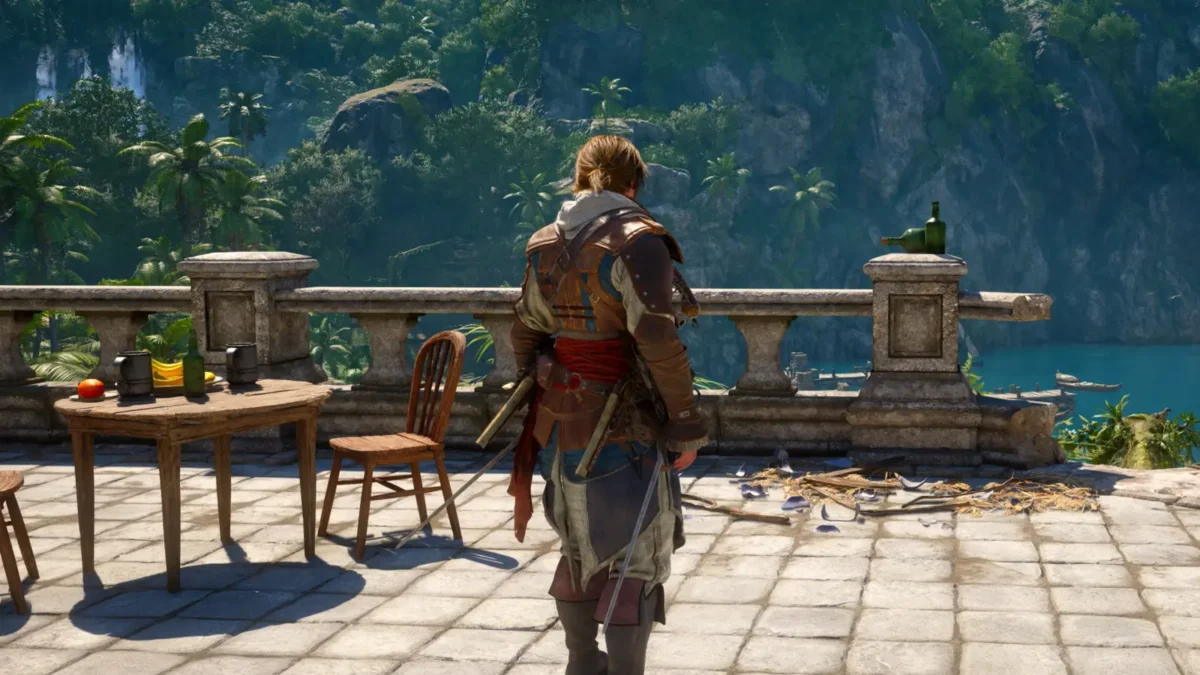

The option to hide the Blowpipe in Assassin’s Creed Black Flag Resynced was added through patch 1.0.6 (releases August 4th at 7:00 am PST). It lets players clean up the appearance of Edward’s outfits without removing the weapon or its darts from gameplay.
You must install update 1.0.6 before the new setting appears.
How to Hide Gear in Assassin’s Creed Black Flag Resynced
Open the inventory, select Edward’s outfit, and press R2 to choose Hide Gear.
Follow these steps after installing Title Update 1.0.6:
- Open the inventory.
- Navigate to Edward’s equipped outfit.
- Select the outfit to open its available options.
- Press R2 for the Hide Gear command.
- Return to the game and check Edward’s back.
The Blowpipe should no longer appear on Edward’s character model.
Ubisoft’s patch notes specifically list R2 for the command. Players on Xbox or PC should follow the Hide Gear button prompt displayed in the outfit menu, since the equivalent input depends on the platform and control setup.
Can You Still Use the Blowpipe After Hiding It?
Yes. The Hide Gear setting only changes Edward’s appearance.
You can continue using the Blowpipe, Sleep Darts, and Berserk Darts normally. The weapon remains available through the usual equipment controls even though it is no longer visible across Edward’s back.
This makes the option useful for players who prefer a cleaner outfit or feel the weapon clashes with a particular costume.
How to Show the Blowpipe Again
Return to the same outfit screen and select Show Gear.
The Blowpipe should reappear immediately after leaving the menu. You can switch between the two settings whenever you want, allowing different outfits to use different visual setups.
If the option is missing, confirm that Title Update 1.0.6 finished downloading and installing. Restarting the game after updating may also refresh the inventory interface.
Does Hide Gear Remove Other Weapons?
Ubisoft’s update announcement only confirms the feature for the Blowpipe. It does not state that swords, pistols, or other pieces of Edward’s equipment can also be hidden.
For now, players should treat Hide Gear as a Blowpipe visibility setting rather than a complete weapon-display menu.
The feature arrived alongside expanded autosaves and fixes for parkour, cutscenes, crashes, hood toggling, and several interface problems.