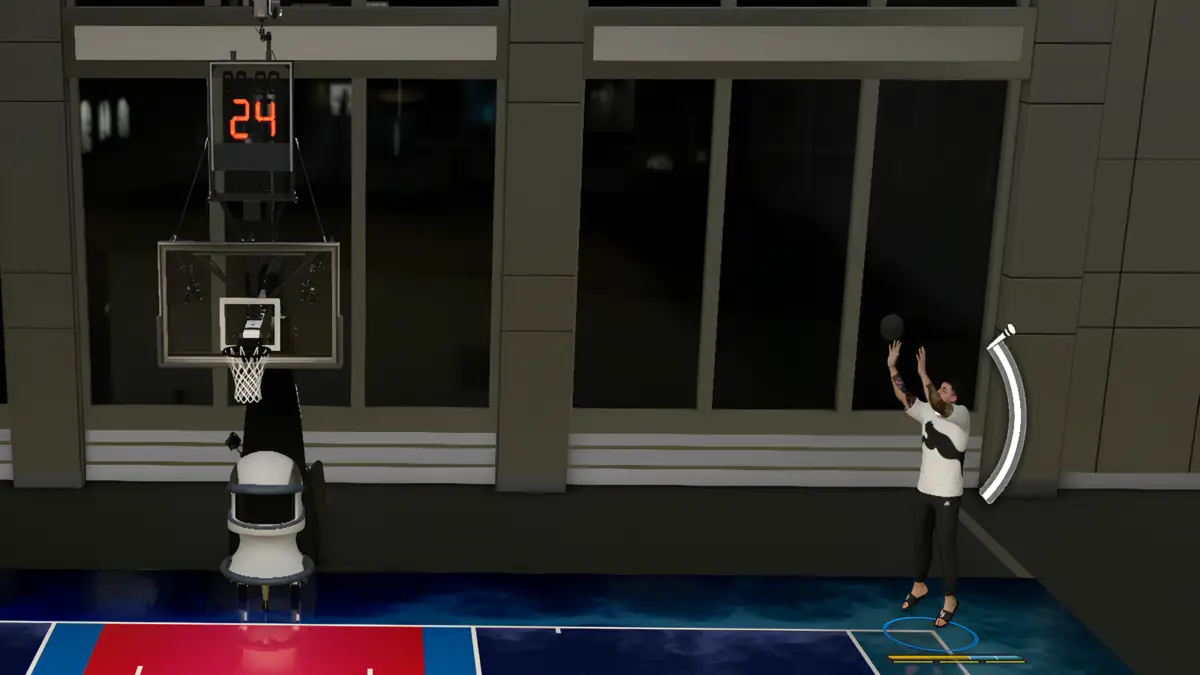

Rhythm Shooting in NBA 2K27 returns with several changes from last year’s system. If you relied heavily on Pro Stick shooting before, the basic idea will feel familiar, but simply matching the motion is no longer enough.
NBA 2K27 now evaluates both when you complete the shooting motion and how quickly you move the Pro Stick. The game then uses those two pieces of information differently when determining your shot window.
That can make Rhythm Shooting confusing at first, especially if your Shot Feedback keeps mentioning both Timing and Tempo.
How to Rhythm Shoot in NBA 2K27
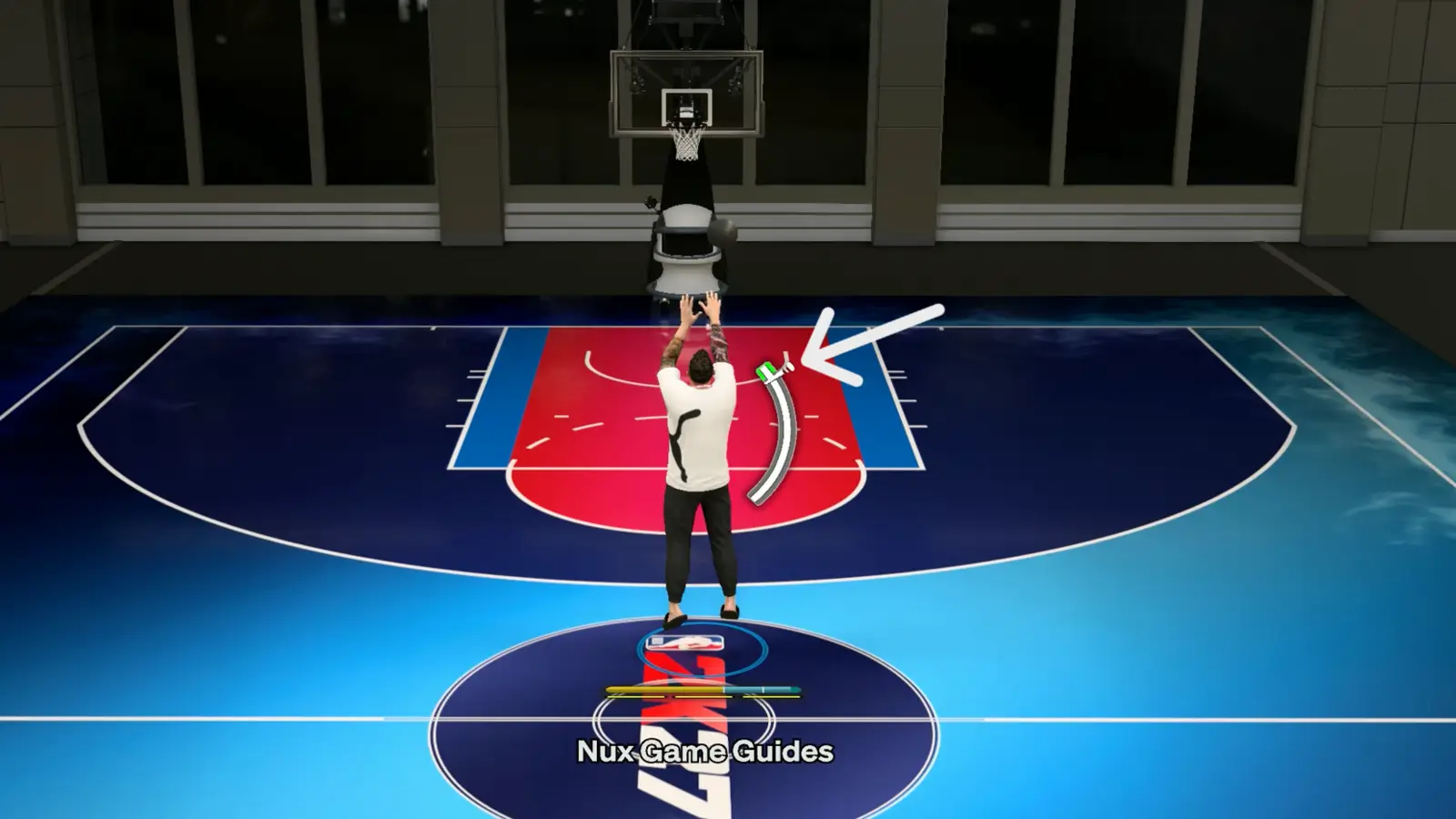
Start the shot by moving the Right Stick down, then sweep it up as your player’s shooting animation reaches its release point.
The two parts of a Rhythm Shot are:
- Timing: When you complete the shooting motion.
- Tempo: How quickly you move the Right Stick from down to up.
You must green the Timing to make the shot. Tempo does not replace correct timing.
Instead, matching the correct Tempo increases the size of your Timing green window. Moving the stick too quickly or too slowly shrinks that window and makes the shot harder to green.
That is one of the biggest differences to remember in NBA 2K27.
Should You Use the Shot Meter for Rhythm Shooting?
The new Shot Meter includes a tick mark that moves with your physical Pro Stick movement. It can help you understand the correct Tempo while learning a jumper.
Once you have the motion down, however, you can turn the meter off. Rhythm Shooting still works without it.
NBA 2K27 also gives the same no-meter shooting bonus to Rhythm Shooting and normal button shooting.
Practice with one jumper until you recognize both its visual release and natural stick speed. Changing jump shots constantly means relearning both pieces.
Rhythm Shooting also works on free throws in NBA 2K27, so the same concept can be practiced from the line.
How to Tell What is Wrong with Your Rhythm Shot
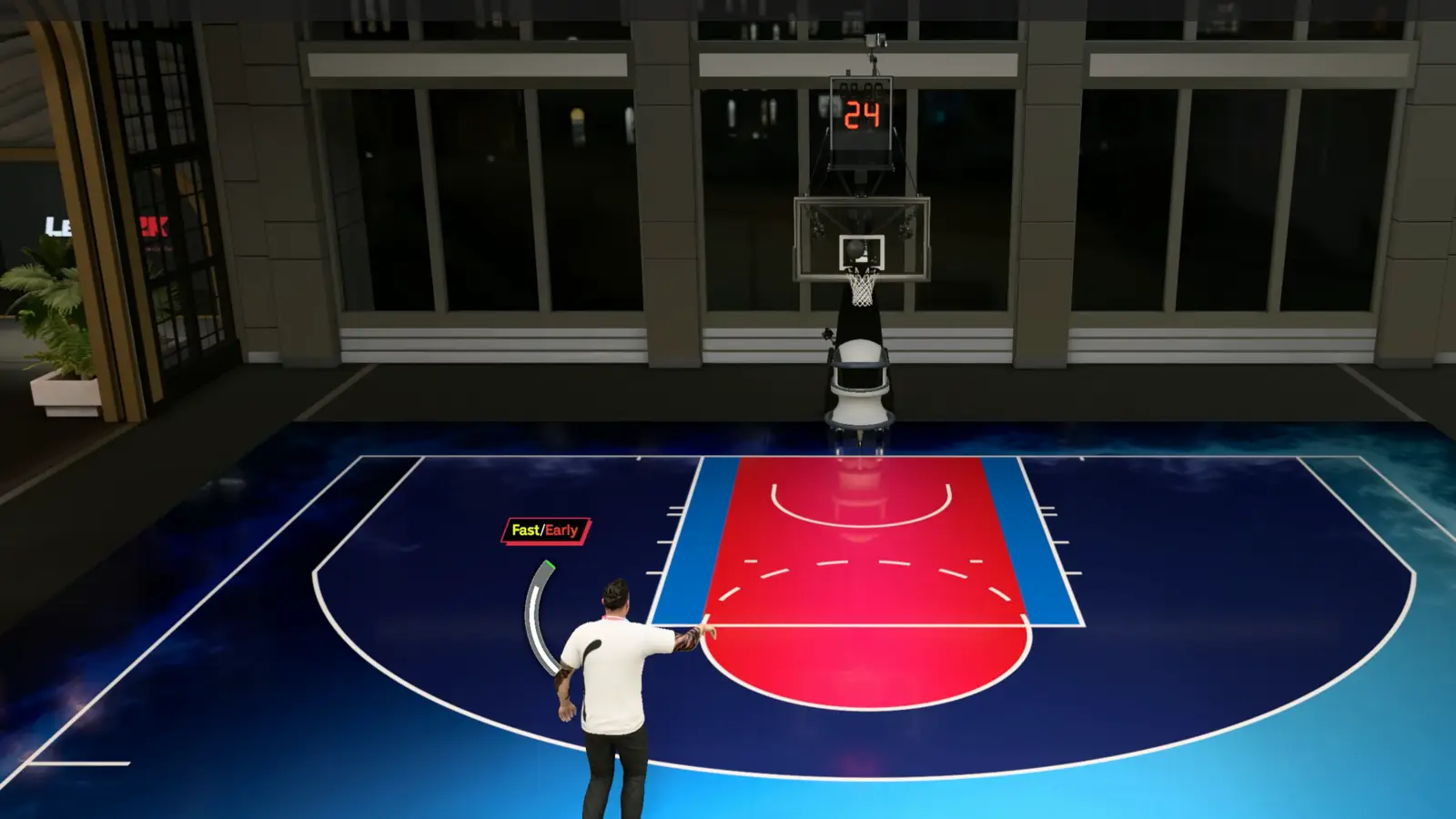
Turn on Shot Feedback before practicing.
After an attempt, NBA 2K27 can tell you whether:
- Your Timing was early or late.
- Your Tempo was too fast or too slow.
- The defense affected the attempt.
Use those messages separately.
If your Timing says Early but your Tempo is correct, do not change how quickly you sweep the stick. Start the upward movement slightly later instead.
If your Timing is good but your Tempo says Fast, slow down the movement from down to up.
Trying to correct both at once usually makes learning the shot harder.