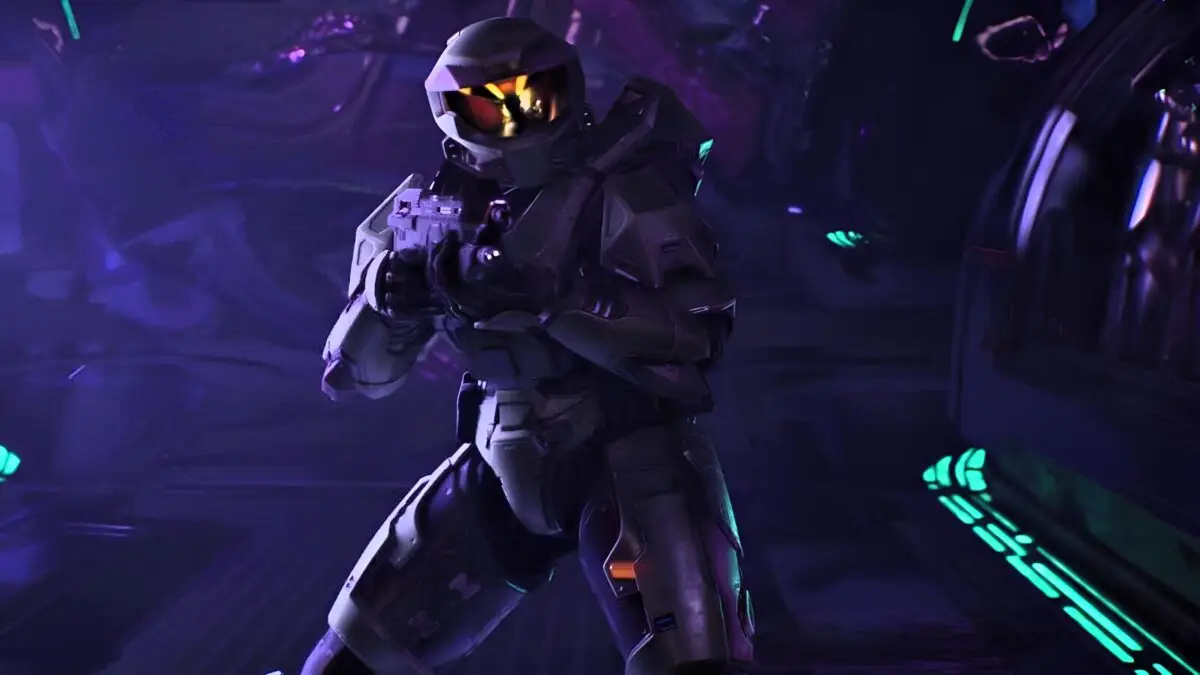

Some Halo: Campaign Evolved players cannot progress through the Keyes mission because the game freezes or closes near the opening hallway and coolant drop. Restarting the mission may lead to another crash at the same location.
Halo Studios has added the Keyes crash to its official known issues list. The problem primarily affects PCs using certain NVIDIA drivers, with RTX 50-series graphics cards specifically named in the support notice.
Where Does the Keyes Crash Happen?
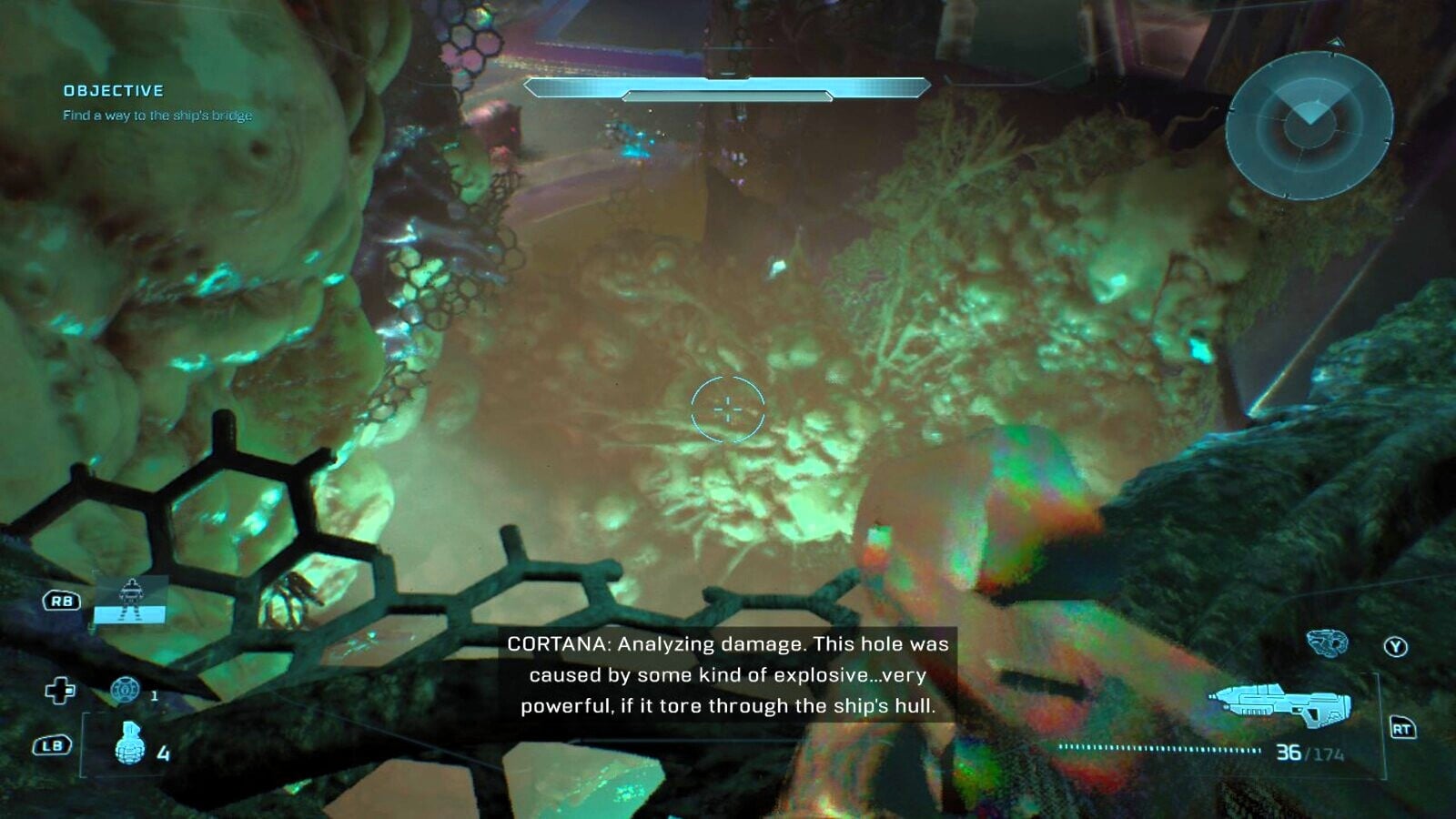
Reports commonly place the crash near the beginning of Keyes, around the hallway leading toward the first drop into the coolant area.
The game may:
- Freeze while approaching the hallway
- Crash when jumping into the coolant
- Close while reloading the checkpoint
- Display an Unreal Engine access violation
Because the crash repeatedly occurs at the same location, it can look like the mission checkpoint or save file is damaged. Halo Support’s current guidance instead points to the affected NVIDIA drivers.
How to Stop Halo: Campaign Evolved Crashing on Keyes

Install NVIDIA hotfix driver 610.88 or roll your graphics driver back to version 596.49.
Halo Support says the Keyes and The Maw missions may crash on RTX 50-series cards using these drivers:
- 610.47
- 610.62
- 610.74
Driver 610.88 was released as a targeted hotfix for stability problems affecting Halo: Campaign Evolved on RTX 50-series hardware.
The hotfix may not appear through the normal NVIDIA App update screen. NVIDIA distributes optional hotfix drivers through its Customer Care support page because they receive a shorter testing period than standard Game Ready releases.
After installing the driver, restart the PC before loading Halo: Campaign Evolved again.
Should You Update or Roll Back the Driver?
Try updating to 610.88 first. This is the newer option and was created specifically to address stability issues in Halo: Campaign Evolved.
Players who continue crashing can instead roll back to 596.49, which Halo Support lists as the alternative workaround.
Community reports show that 610.88 allowed some players to continue through Keyes immediately. However, others reported that the crash remained after installing it, so the hotfix may not solve every hardware configuration.
What to Do if Driver 610.88 Does Not Work
Players still experiencing the Keyes crash after updating should try the 596.49 rollback listed by Halo Support.
Halo Studios also asks players to submit unresolved problems through the Halo Support Game Issue Report Form. This is especially important if the crash happens on a graphics card outside the RTX 50 series, since some community members have reported similar behavior on other NVIDIA hardware.
Does this Fix Crashing on The Maw?
Yes. Halo Support lists Keyes and The Maw under the same RTX 50-series driver issue. Players crashing during either mission should update to NVIDIA driver 610.88 or roll back to 596.49.