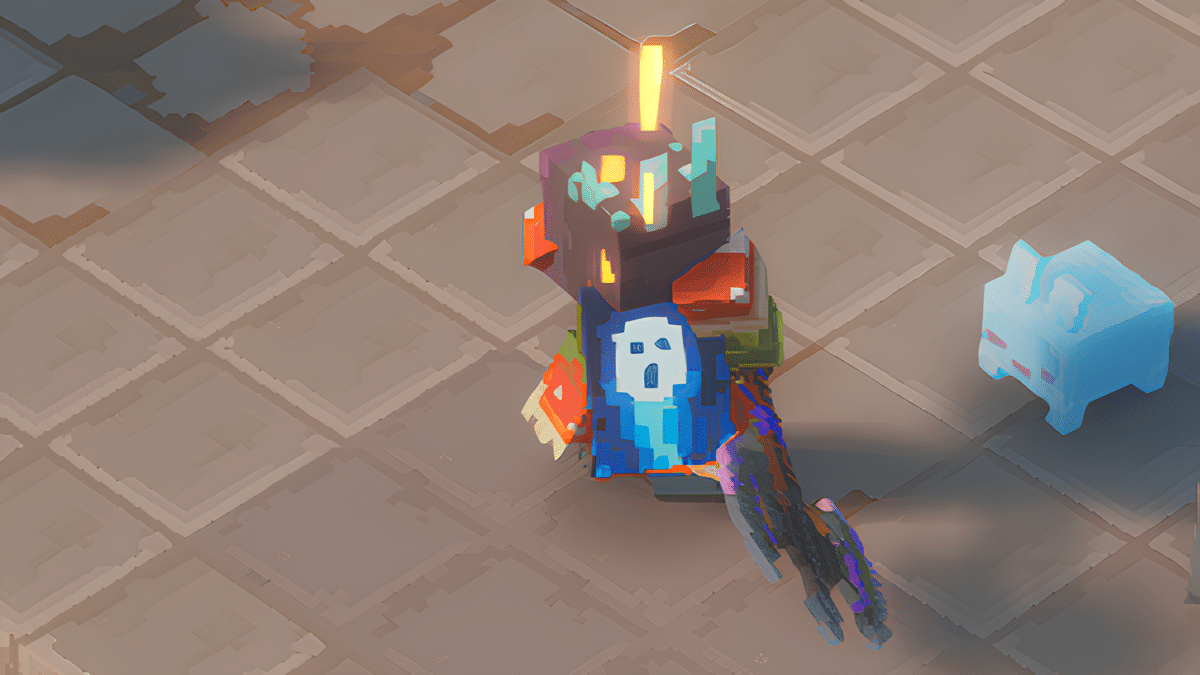
If you’ve unlocked a cape or pet in Minecraft Dungeons 2 but can’t find it with your weapons and armor, check the Collectibles menu instead. Both are cosmetic rewards, with separate icons for managing your capes and companions.
How to Equip a Cape in Minecraft Dungeons 2
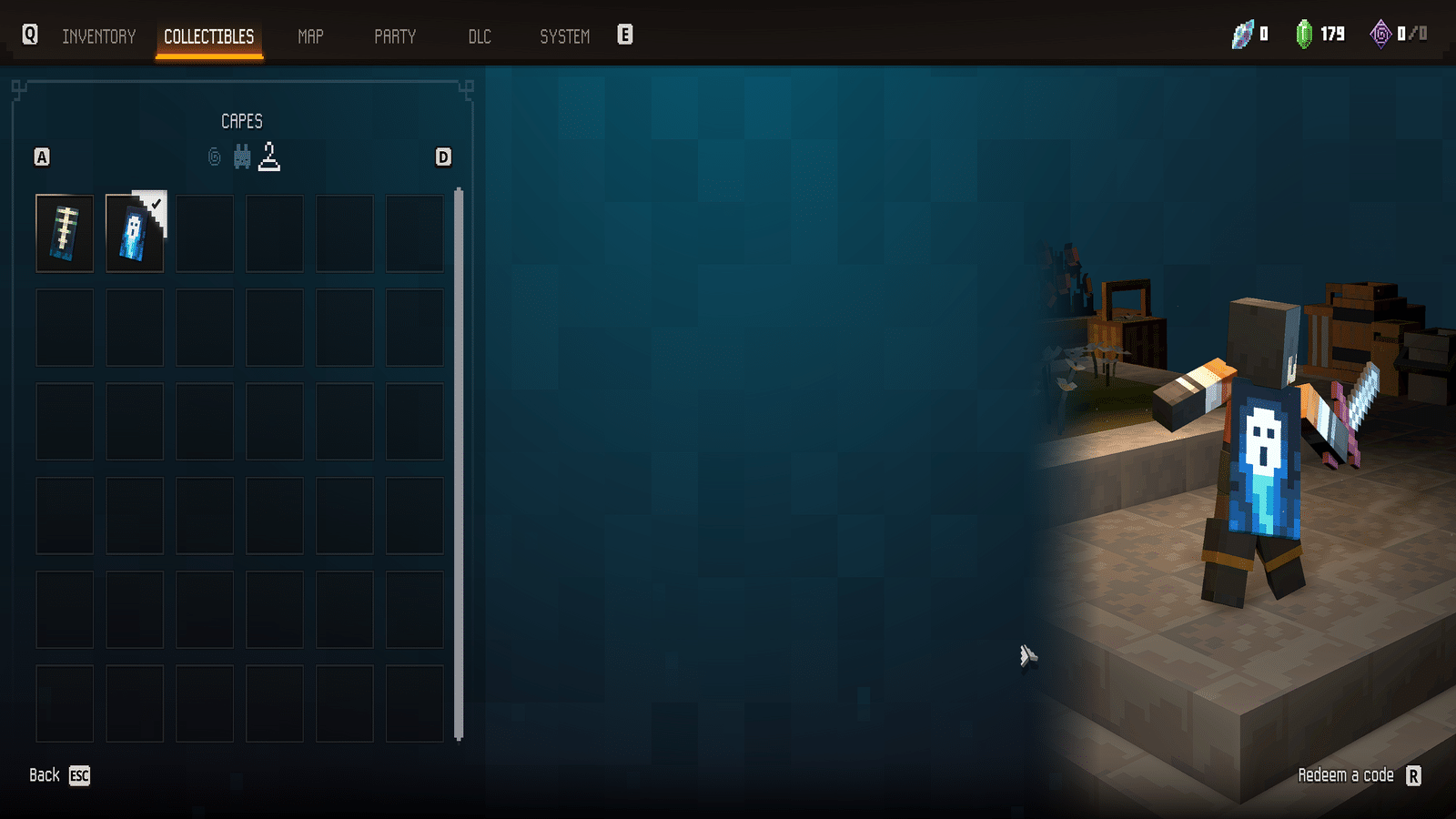
To equip or change your cape:
- Pause Minecraft Dungeons 2.
- Open the Collectibles tab.
- Select the hanger icon for Capes.
- Highlight the cape you want to wear.
- Select the cape to equip it.
You can return to the same menu whenever you unlock another cape or just feel like changing your look.
Capes don’t appear alongside your combat equipment. So if you’ve been digging through armor and weapons looking for one, your inventory is innocent this time.
Minecraft Dungeons 2 Capes
| Cape | How to Unlock |
|---|---|
| Hero Cape | Play Minecraft Dungeons, then log into Dungeons II with the same Microsoft account before Dec. 31, 2026 |
| Twisted Cape | Minecraft Dungeons II preorder reward |
| Soul Cape | Included with the Deluxe Edition |
| Corrupted Creeper Cape | Limited promotional reward |
| Special Cape | Unlock method not yet announced |
The Hero Cape requires the same Microsoft account across both Minecraft Dungeons games. Once Dungeons II recognizes the reward, Mojang says the cape can also unlock in Minecraft: Java Edition and Bedrock Edition.
The Twisted Cape was part of the preorder package, while the Soul Cape comes with the Deluxe Edition. The Corrupted Creeper Cape was distributed through limited launch promotions.
How to Equip a Pet in Minecraft Dungeons 2
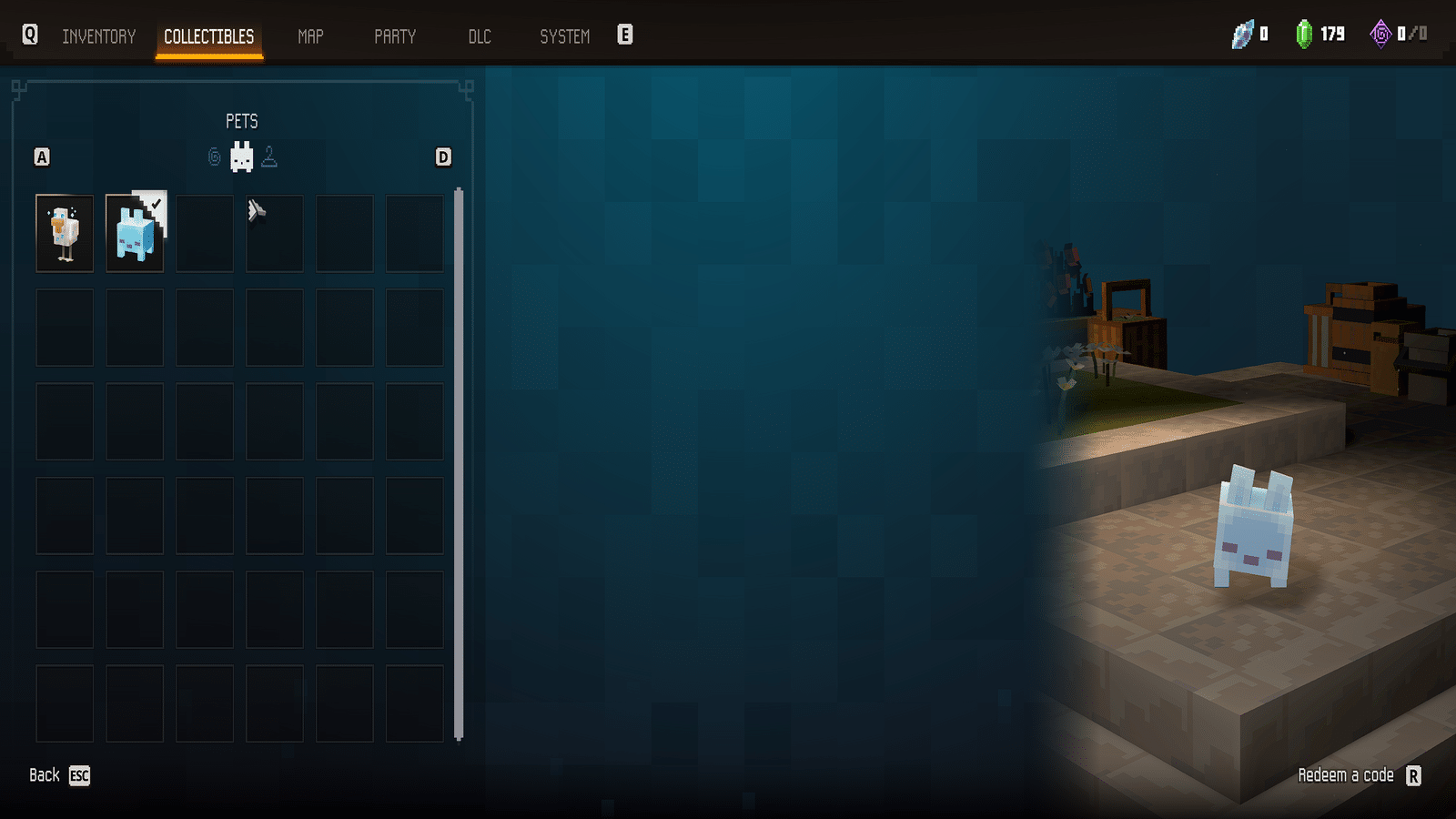
Pets use almost the same process, but you need a different Collectibles category:
- Pause the game.
- Open the Collectibles tab.
- Select the bunny icon for Pets.
- Highlight the pet you want to use.
- Select the pet to equip it.
Your selected companion will then travel alongside your hero.
The quick way to remember both menus is hanger for capes, bunny for pets. Neither cosmetic needs to be equipped through your normal character build.
Minecraft Dungeons 2 Pets
Mojang has also confirmed several promotional companions:
| Pet | How to Unlock |
|---|---|
| Twisted Chicken | Minecraft Dungeons II preorder reward |
| Blub | Included with the Deluxe Edition |
The Twisted Chicken was bundled with the preorder bonus alongside the Twisted Cape and two hero skins. Blub comes with the Deluxe Edition.
You can equip either one through Collectibles → bunny icon once the reward is available on your account.
Do Capes and Pets Change Your Stats?
No. Mojang classifies capes, skins and pets as cosmetic rewards in Minecraft Dungeons II. They let you customize your hero without taking up the equipment slots used for weapons, armor, artifacts and other parts of your build.
Pets are companions rather than combat equipment. For example, Mojang describes the Deluxe Edition’s Blub as a companion that does not fight in battles.
In other words, bring whichever tiny creature improves morale. Your damage numbers will survive.
Why Your Cape or Pet is Missing
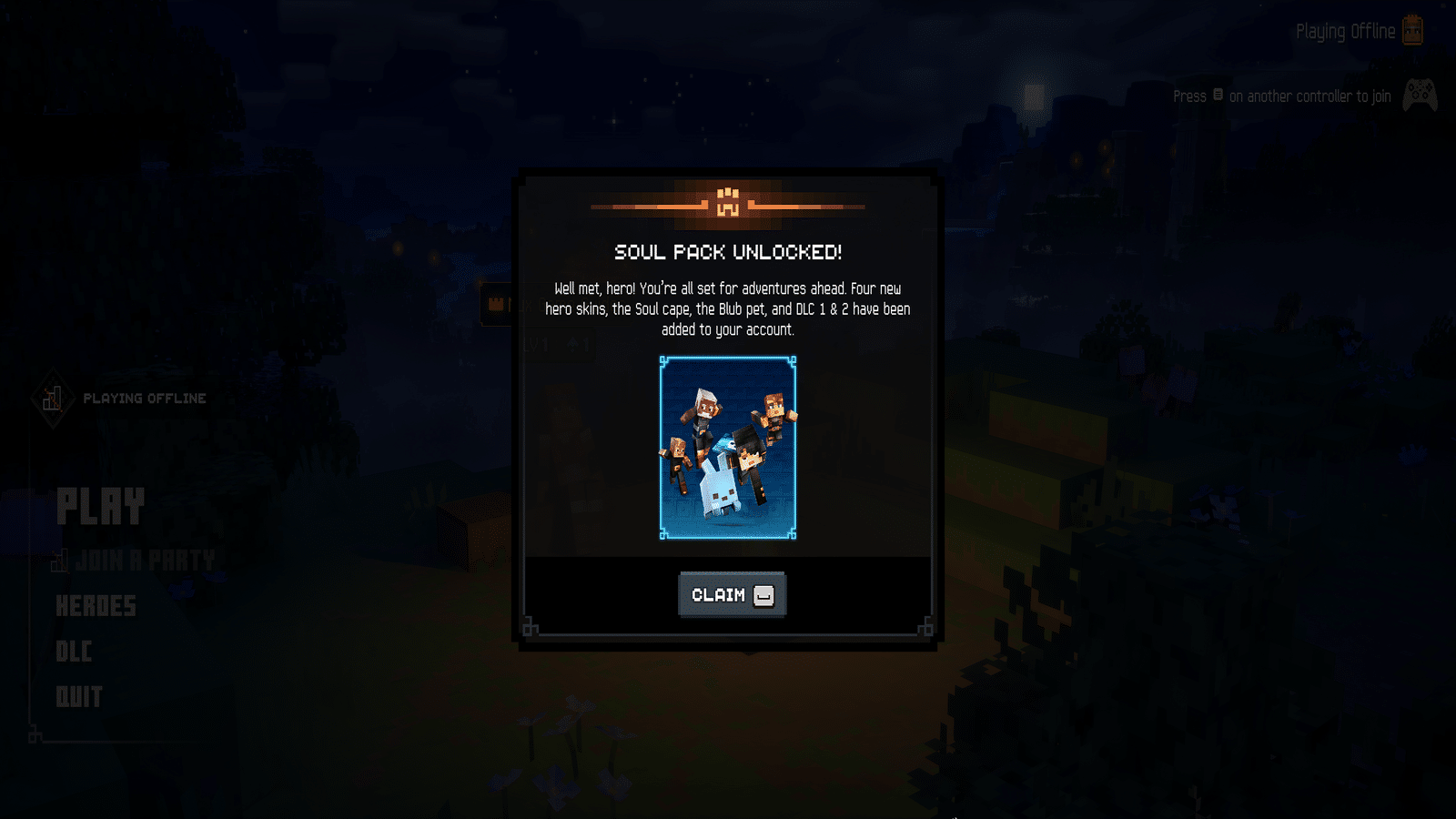
If an expected cosmetic is not appearing under Collectibles, first check how that specific reward is unlocked.
For the Hero Cape, make sure Minecraft Dungeons and Minecraft Dungeons II use the same Microsoft account. Mojang also notes that internet access is required for promotions that verify gameplay activity and that confirmation can sometimes be delayed.
For preorder rewards, confirm that your purchase qualified for the promotion. Physical copies can include codes that must first be redeemed through the appropriate Xbox, Nintendo or PlayStation store rather than through the in-game Redeem a Code page.
Once the reward has been added to your account, head back to Collectibles. Pick the hanger for capes or the bunny for pets, select what you want, and get back to dungeon crawling with the important problem solved: accessorizing.