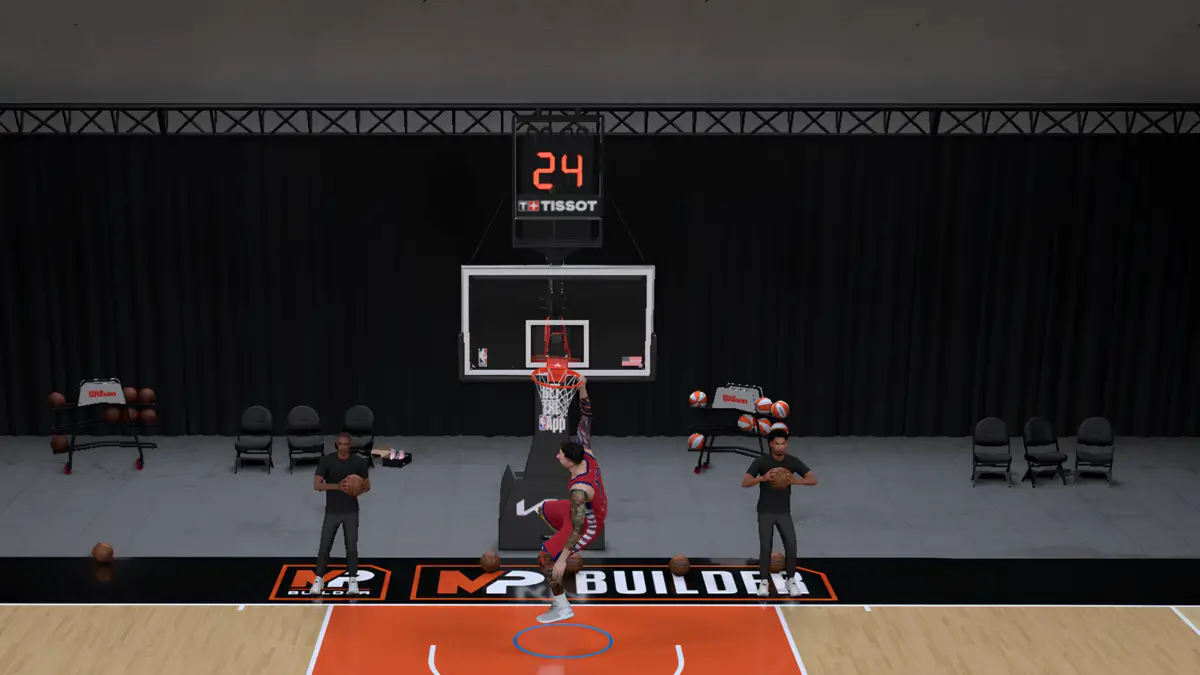

Dunking in NBA 2K27 has changed significantly because the game now puts more responsibility on the player during the finish.
Driving into an open lane is still important, but choosing the right dunk input and understanding the meter matters too. Defensive rotations can also change the difficulty of the attempt after your player has already left the floor.
That makes it worth learning the different Right Stick inputs instead of using the same dunk every trip down the court.
NBA 2K27 Dunk Controls
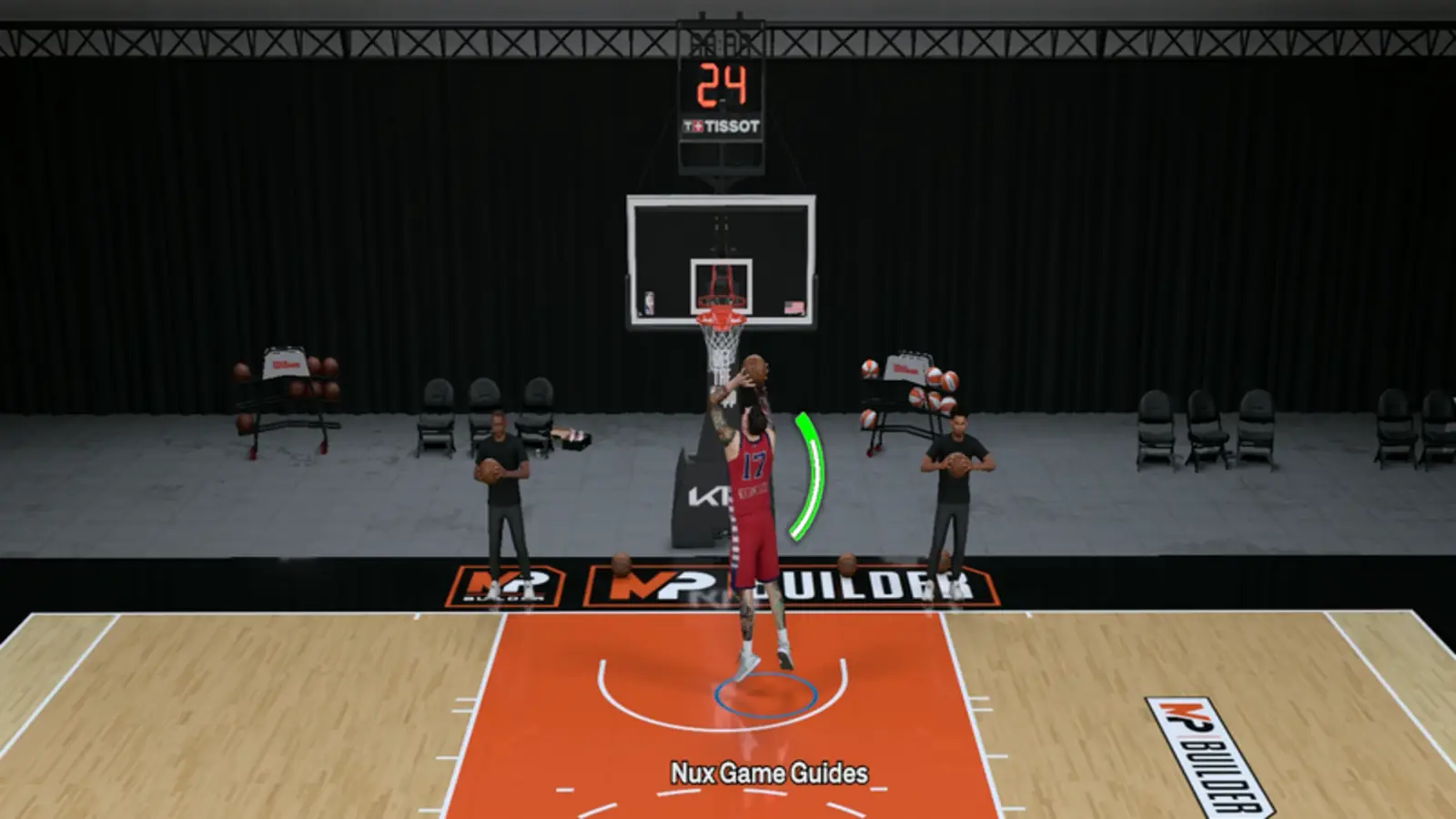
Hold R2 on PlayStation or RT on Xbox while driving toward the basket, then use the Right Stick direction for the type of dunk you want.
Here are the main controls:
| Dunk Type | PlayStation | Xbox |
|---|---|---|
| Two-Hand Dunk | R2 + Right Stick Up | RT + Right Stick Up |
| Dominant/Off-Hand Dunk | R2 + Right Stick Left/Right | RT + Right Stick Left/Right |
| Flashy Dunk | R2 + Right Stick Down | RT + Right Stick Down |
| Skill Dunk | R2 + flick RS Up/Down, release, then hold Up/Down again | RT + flick RS Up/Down, release, then hold Up/Down again |
| Post Dunk | L2 to post, then R2 + LS + RS Up | LT to post, then RT + LS + RS Up |
For one-handed dunks, the Right Stick direction determines which hand your player attempts to use.
How to Time the Dunk Meter in NBA 2K27
NBA 2K27 requires manual timing on dunk attempts by default.
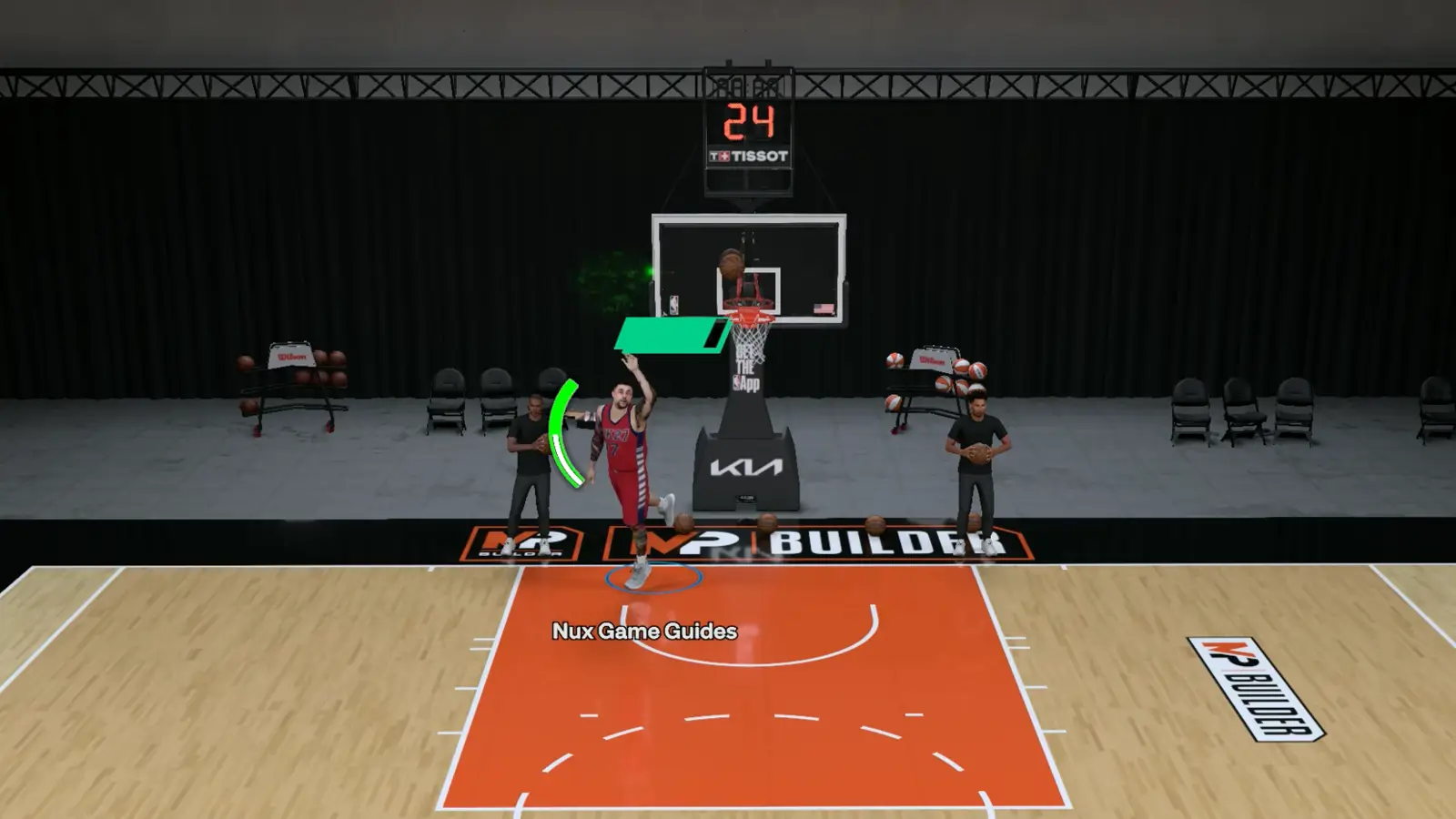
The Dunk Meter is also dynamic. It evaluates the defense throughout the animation instead of locking the difficulty when your player takes off.
An open lane can produce a larger green window. However, a help defender arriving late can shrink that window while you are already in the air.
For Skill Dunks, return the Right Stick to neutral when the meter reaches the make window.
Do not assume an easy-looking takeoff guarantees an easy finish. Watch the meter until the dunk is actually completed.
How to Do a Rim Hang
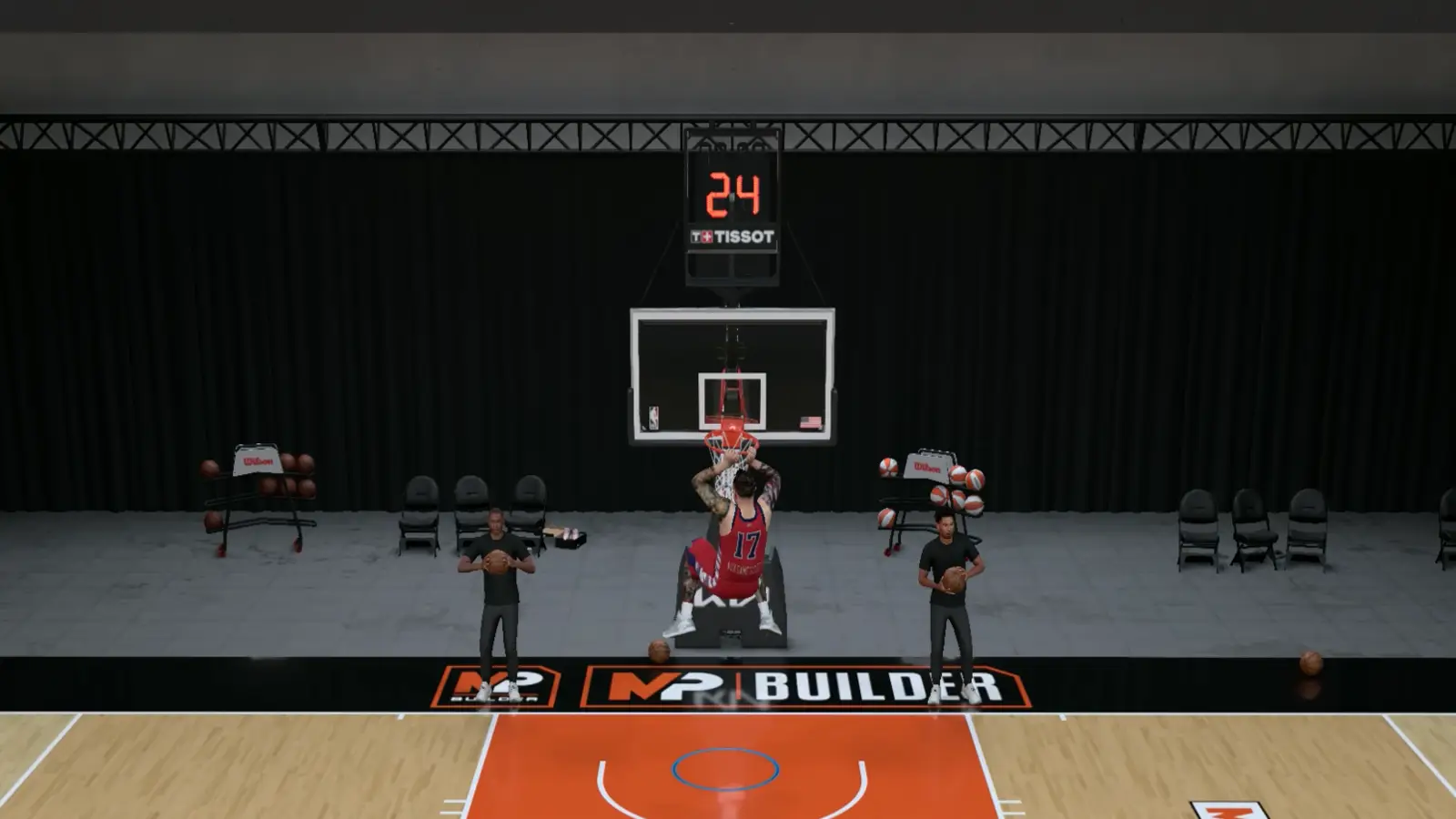
Start a two-handed dunk, then continue holding R2 or RT once your player reaches the rim.
Use the Left Stick to control the swing. You can also move the Right Stick up to pull yourself higher on the rim.
Why Won’t My Player Dunk?
Controls are only part of the equation.
Your player’s Driving Dunk rating affects moving dunk attempts, including regular, contact, alley-oop, and putback dunks. Standing Dunk handles those same types of finishes while positioned underneath the basket.
Your animations, attributes, positioning, stamina, and the defense can all influence what happens after the input.
If your MyPLAYER constantly chooses layups instead, make sure you have enough space to gather and that your build actually has the attributes required for the dunk animations you are trying to trigger.
Once the controls feel natural, you can start choosing between safer two-handed finishes, directional dunks, and riskier flashy or Skill Dunk attempts based on the defense.