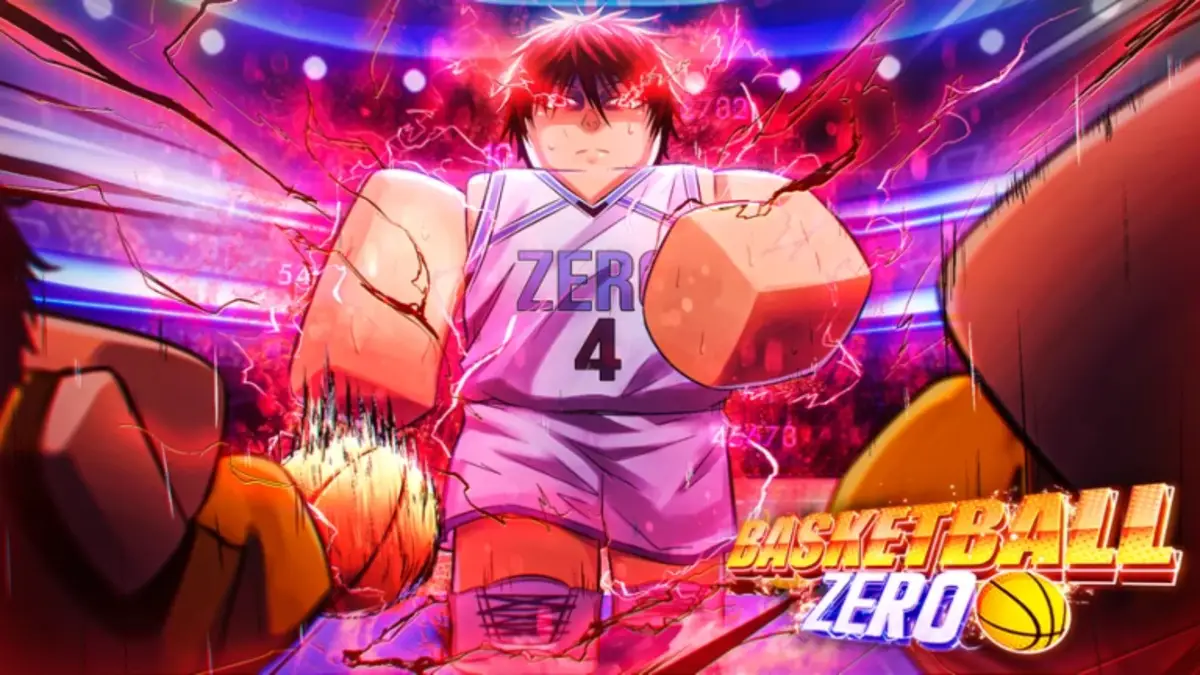

The Basketball Zero Trello gives players a quick way to compare Styles, Zones, controls, game modes, and other systems before heading into another 5v5 match. This refreshed guide collects the Trello, official Discord, Roblox game page, and community Wiki. Use them to research abilities, understand a new Zone, check Mastery features, or catch up after a balance update changes your favorite build.
Basketball Zero Roblox Trello, Discord, Game Page, and Wiki Links
Here are all Basketball Zero resource links:
- Basketball Zero Trello Link: Check Styles, Zones, controls, mechanics, game modes, team kits, emotes, goal explosions, cosmetics, Game Passes, and other gameplay information.
- Basketball Zero Discord Link: Follow update announcements, balance changes, maintenance notices, previews, bug reports, and community discussion.
- Basketball Zero Game Page: Launch the official experience from Current. and review the basic controls for shooting, passing, dribbling, pump fakes, layups, and dunks.
- Basketball Zero Wiki Link: Browse community-maintained pages for Styles, Zones, Masteries, currencies, events, controls, emotes, updates, and other features.
What is on the Basketball Zero Trello?
The Basketball Zero Trello works best as a quick overview of the game’s main systems. Its cards cover Styles, Zones, controls, game modes, team kits, emotes, goal explosions, and customization options.
That makes it useful before spending spins. You can check what a Style or Zone is designed to do, compare its abilities with your preferred position, and avoid rerolling something that fits your build.
The board also covers general mechanics and match information. New players should start with the controls and game mode cards before moving into the larger ability lists.
Styles and Zones Shape Your Build
Styles provide the active abilities that define how your player attacks, passes, defends, or creates space. Some favor scoring, while others support dribbling, playmaking, defense, or team movement.
Zones add another layer through passive bonuses and special effects. Pairing the right Zone with a Style can reinforce its strengths or help cover part of your game that needs support.
The Trello is better for a fast comparison. The Wiki separates Styles and Zones by rarity and gives individual systems more room.
The Wiki Covers Masteries and Long-Term Systems
The Basketball Zero Wiki has expanded since the original version of this guide. It now includes pages for Masteries, currencies, seasonal events, daily rewards, cosmetics, controls, badges, and updates.
Use it when you need more than a short ability description. The Wiki is also helpful for checking limited or unobtainable Styles and Zones before wasting time searching for something that has left the current roll pool.
The Wiki is community-maintained, so recent balance values may take time to update. Check Discord after major patches.
Check Discord After Balance Updates
The official Discord is the best resource when cooldowns, ability effects, hitboxes, or other match systems change. Announcement channels can also confirm maintenance, new content, and upcoming events.
Community discussions may help you understand how a Style performs in real matches. However, one bad game does not automatically turn a Style into the worst option on the board.
Sometimes the problem is the build. Sometimes it is the person holding the ball for the entire possession.
Which Basketball Zero Resource Should You Use?
Use the Trello for quick checks on Styles, Zones, controls, game modes, and cosmetics. Use the Wiki for Masteries, rarities, currencies, events, and longer system explanations.
Check Discord for recent updates and server news. Use the Roblox page to launch the official experience and review its basic control list.
Final Thoughts on the Basketball Zero Trello
The Basketball Zero Trello remains the best starting point for understanding Styles, Zones, and match mechanics. Pair it with the Wiki for deeper progression information and Discord for changes that could affect your next build or 5v5 lineup.