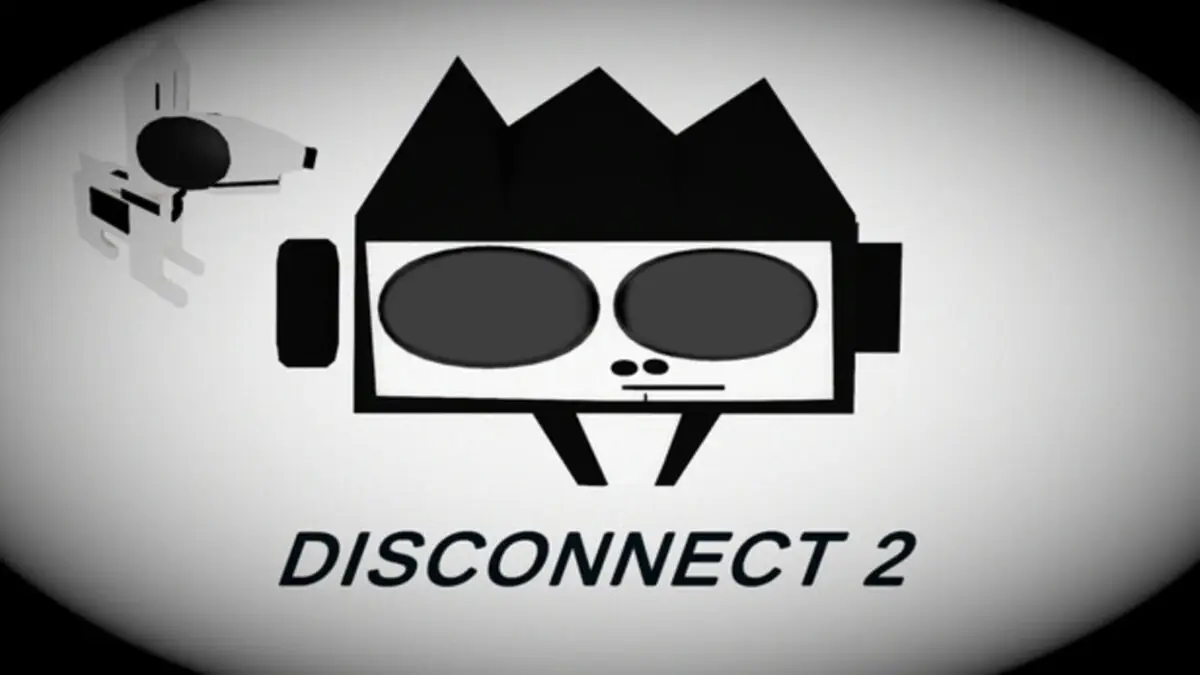

This Disconnect 2 review covers a puzzle platformer that can make you feel unstoppable one minute and completely betrayed by its controls the next. Its best levels require careful timing, quick reactions, and creative camera movement. Unfortunately, recurring input problems and checkpoint bugs often make failure feel accidental instead of deserved.
I completed all 22 puzzles in approximately 1.6 hours and unlocked four of the game’s five achievements. There were stretches where I genuinely enjoyed figuring out a path and rushing through it once everything clicked. There were also enough rage-inducing deaths that I finished several sections through a mixture of determination and pure spite.
Learning to Move Through Disconnect 2
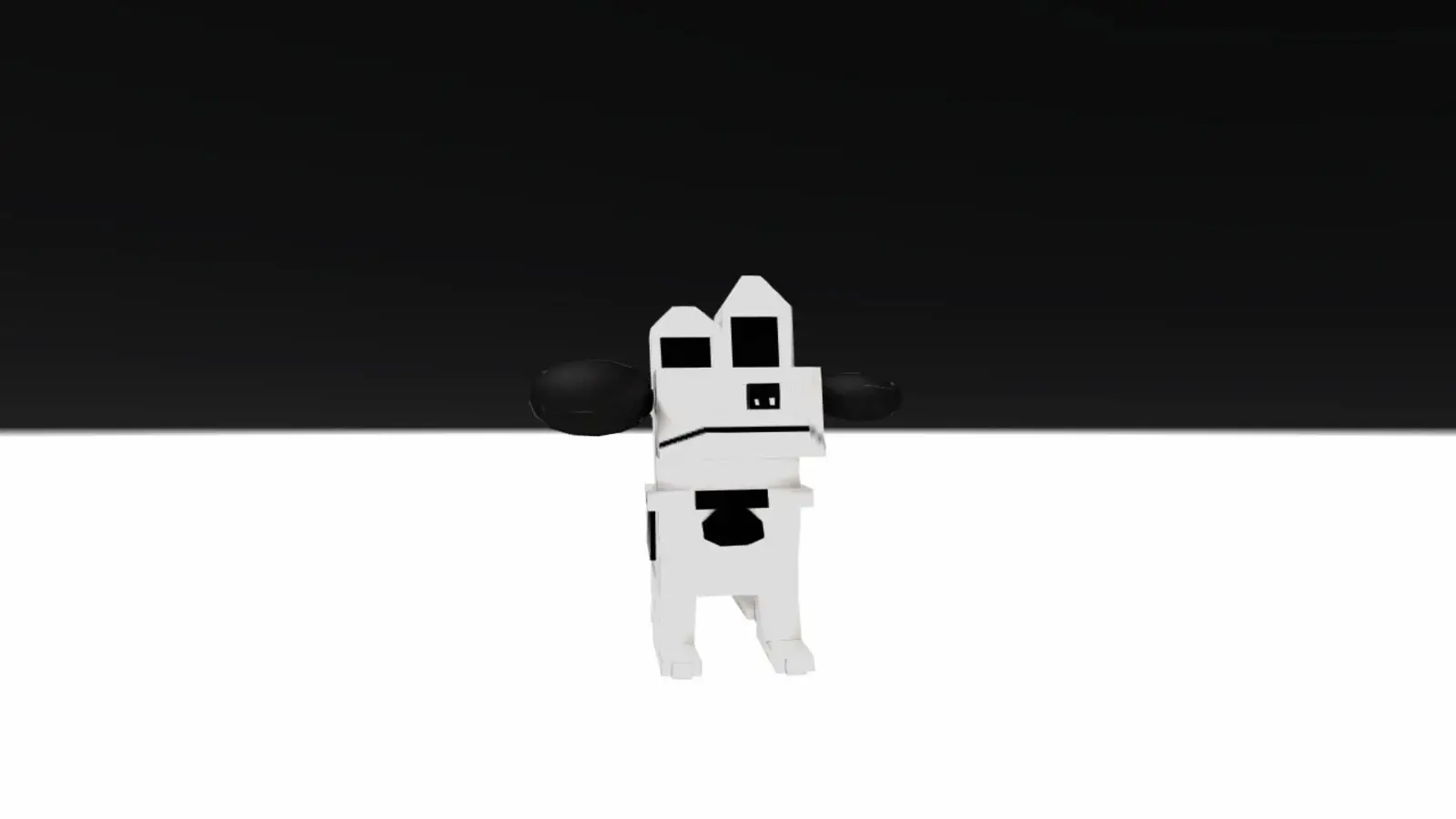
Players control a skull as it jumps across a series of platforms toward the next checkpoint. On keyboard, movement uses WASD, while Q and E rotate the camera. Holding a movement key allows the skull to continue jumping across several platforms without requiring a separate input for every jump.
That system feels great when it works. Once I found the right angle and timing, I could move through an entire sequence without stopping. These moments gave the game a satisfying rhythm and made solving a difficult path feel rewarding.
The controls became the biggest source of frustration during my Disconnect 2 review. At times, the game behaved as though I were still holding a movement key after I had released it, causing the skull to jump again and fly off the side of a platform. Other times, an input did not register, leaving the skull standing still when I expected it to move.
Both situations usually resulted in an immediate death.
The controls can be rebound through the settings menu, which is a welcome option. However, remapping the keys does not solve the underlying problem of unreliable input detection.
Steam Deck Controls Are a Mixed Bag
Testing the Steam Deck version for this Disconnect 2 review produced mixed results. The analog stick felt even more sensitive than the keyboard controls, particularly when it interpreted a directional input as diagonal movement. A slight mistake could send the skull toward a completely different platform or straight into the void.
The D-pad worked much better. In fact, it provided the most consistent controls out of the three methods I tested. Anyone playing on Steam Deck should use the D-pad rather than the analog stick.
The Steam Deck version also handled its resolution correctly. My resolution problems were limited to the PC version.
The Best Puzzles Reward Camera Control and Timing
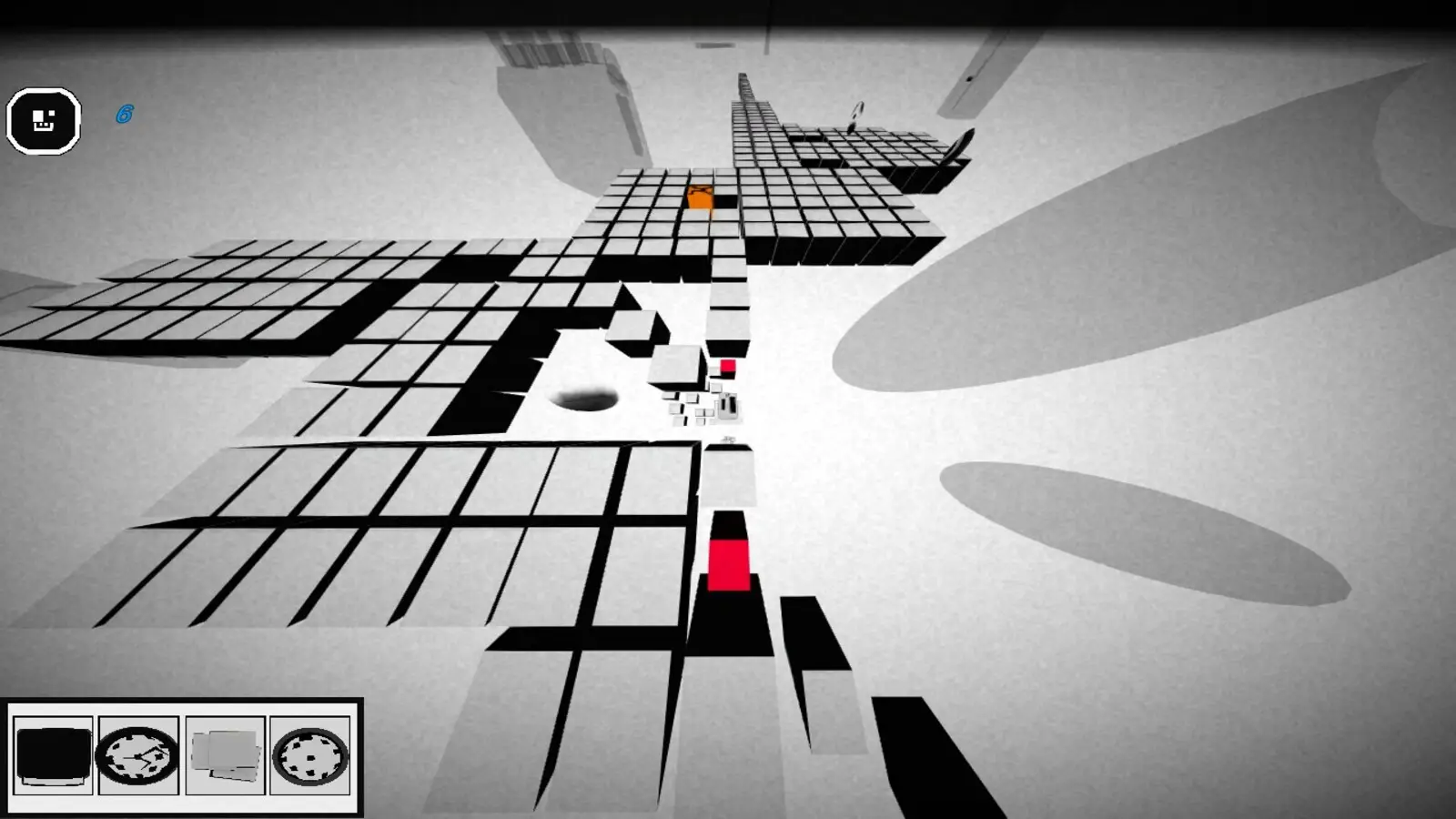
Although the controls caused plenty of frustration, several of the puzzles contained clever ideas.
Rotating the camera is more than a way to improve visibility. It changes how the skull moves between platforms. For example, two platforms may only touch at their corners. Approaching them from the wrong camera angle makes the crossing impossible, while rotating the view allows the skull to move diagonally between them.
Other sections use platforms that travel vertically or horizontally, requiring the player to read their patterns before committing to a jump. Some stages also stack platforms on different levels. In one memorable example, I had to remain on a shrinking platform and intentionally let it disappear so the skull could fall onto a lower platform and collect a coin.
These were the moments where Disconnect 2 worked best. The game was not simply asking me to move quickly. It was asking me to understand how the route, camera, and platform behavior fit together.
The difficulty also felt less severe as I progressed. Part of that may have been the level design, but I was also becoming more comfortable with the controls and learning how the game expected me to move.
Later puzzles introduce enemies with different effects. Some slow the skull, while others chase it or knock it off platforms. They add extra chaos, although most are easy enough to avoid once you know what they do.
Failure Does Not Always Feel Fair
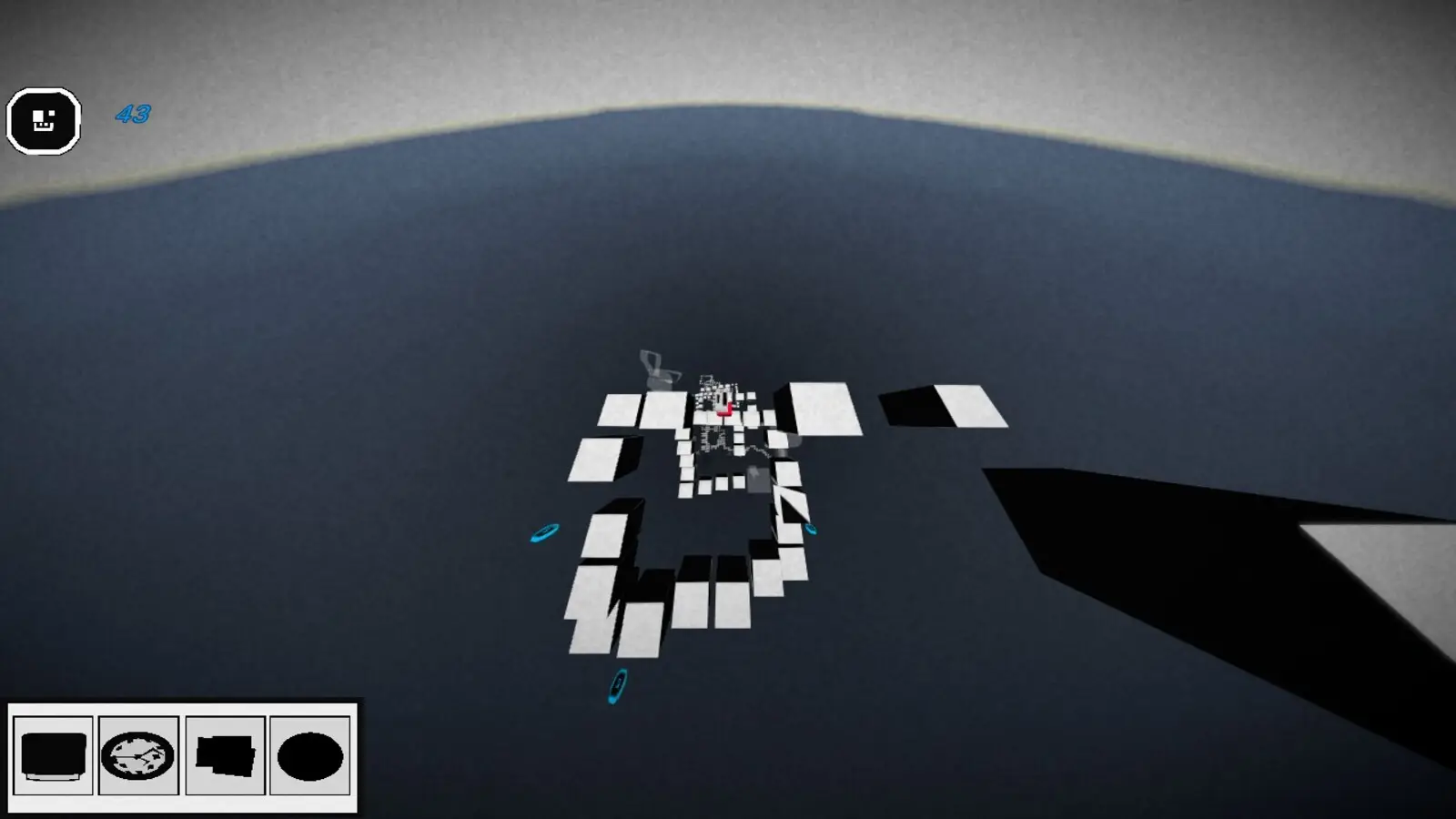
Disconnect 2 punishes players for moving too slowly, but rushing can be just as dangerous. Many platforms shrink or disappear shortly after the skull lands on them, so there is little time to stop and evaluate the next jump.
Finding the correct pace can be satisfying. However, the lack of visual clarity around jump distance makes moving platforms particularly irritating.
Jump too early and the skull misses its destination. Wait slightly too long and the platform moves away or disappears beneath it. The difference between success and failure is not always communicated clearly, leaving trial and error as the only reliable way to learn a sequence.
Frequent checkpoints prevent most deaths from erasing large amounts of progress. Each puzzle includes multiple checkpoints, although the number varies between levels. Even so, repeating a section because of a bad decision feels very different from repeating it because the game registered an input incorrectly.
Unfortunately, too many of my deaths belonged to the second category.
Power-Ups Are More Trouble Than They Are Worth
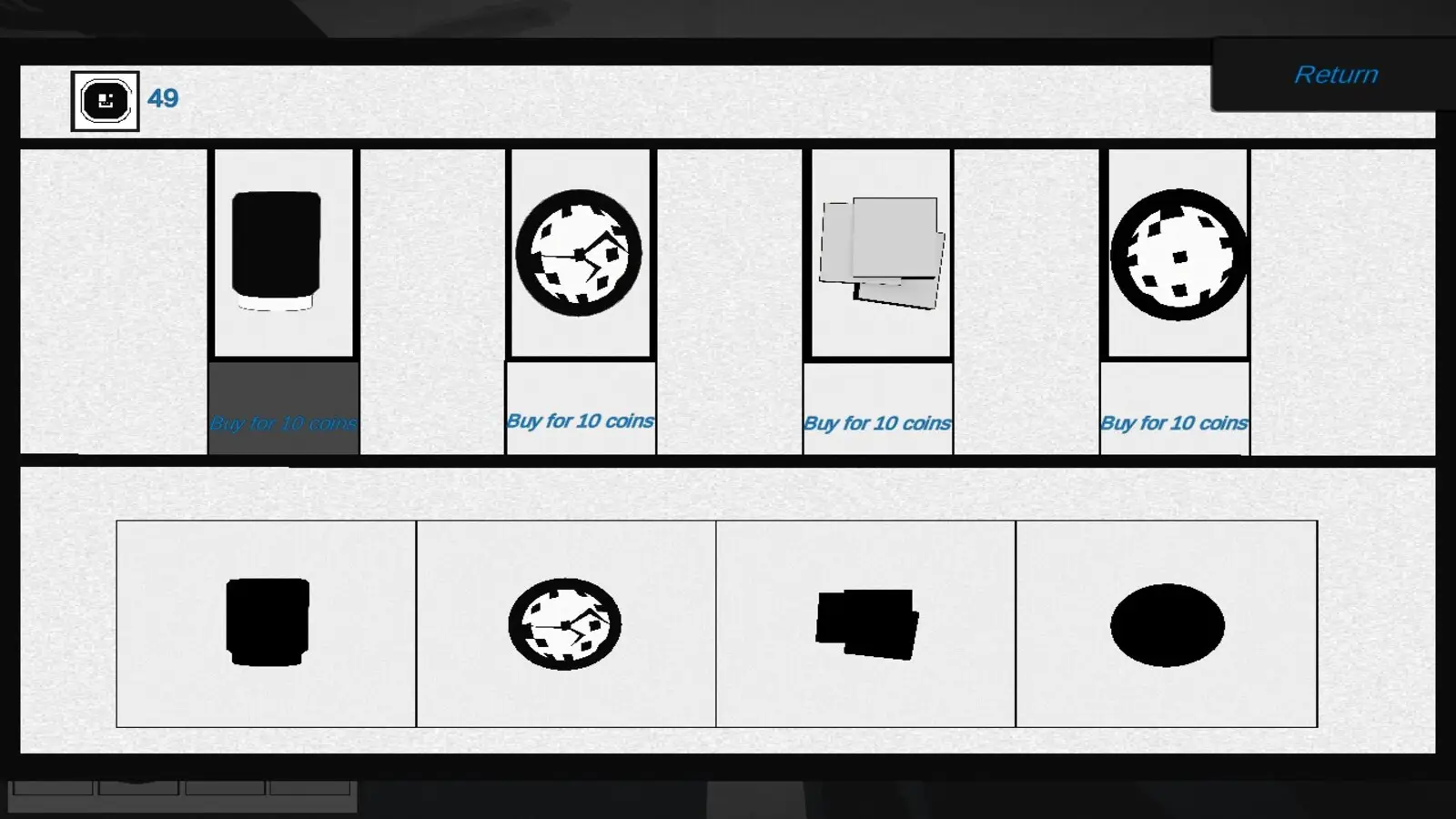
Coins collected throughout each puzzle can be spent on upgrades provided by Death. The available abilities let players slow time, speed it up, create a platform, or freeze an existing platform.
These powers sound useful, but I rarely found them practical.
Activating a power-up is quick once the correct one is selected. The problem is choosing the right ability while standing on a platform that is already disappearing. I often died while trying to locate and activate the power I wanted.
Using the abilities effectively requires planning before reaching the section where they are needed. Some players may enjoy that additional preparation, but I found it disrupted the natural rhythm of reading and completing each path.
After several failed attempts, I stopped using the power-ups and completed the game without relying on them. Losing coins after death also gave me little reason to keep chasing upgrades that I did not find helpful.
The Story is Difficult to Follow
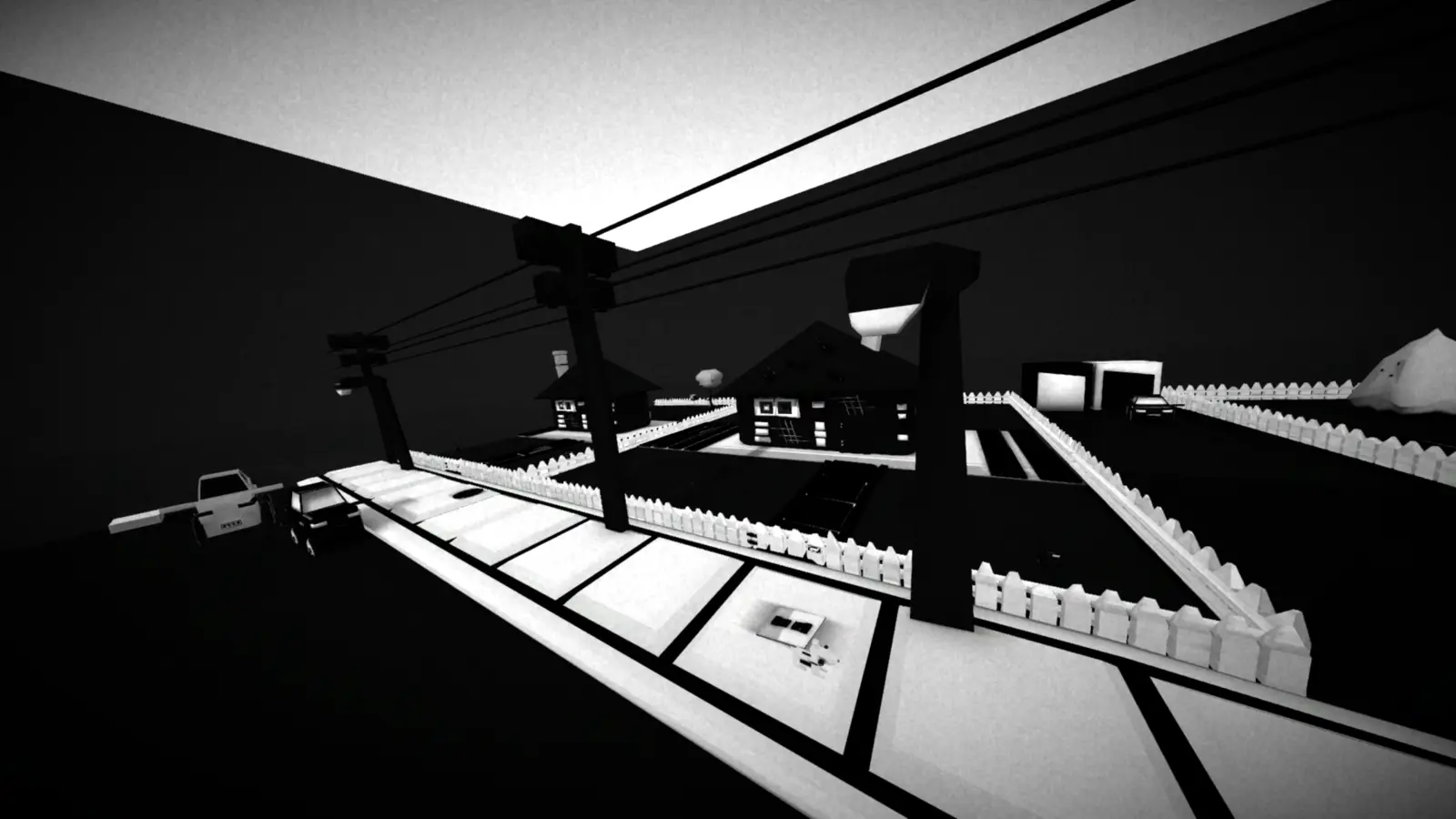
Wordless cutscenes play after completing levels and depict different stages of a dog’s life. The black-and-white visuals are highly stylized, with abstract character designs inspired by a rough, poster-like aesthetic.
The dog and Death both look distinctive. However, the presentation also made it difficult to understand the relationships between the characters or what was happening in several scenes.
Some context can be gathered from the achievement names, but I still spent much of the story unsure about who the human characters were or what individual scenes were meant to communicate. The minimal sound design does little to provide additional context.
Levels contain almost no music. Cutscenes use a small amount of music, but it is limited and repetitive. Most gameplay actions are accompanied by basic effects, such as a simple clicking sound when collecting a coin.
The restrained audio fits the minimalist presentation, but it leaves both the levels and story feeling less atmospheric than they could have been.
Content Warning
Players sensitive to animal death should also be aware that the ending I reached shows the dog lying in an open grave at a cemetery. The scene includes a visual representation of its heartbeat stopping.
It is not graphic, but the imagery is direct enough that some players may find it upsetting.
Technical Problems Interrupt the Experience
Technical problems were another major factor in my Disconnect 2 review. My skull became stuck at checkpoints approximately 10 times, leaving me unable to move or continue the puzzle. I had to reload my save, and on some occasions, it took several attempts before the checkpoint worked correctly.
The camera also stopped rotating after reaching a checkpoint around five times. The only solution I found was to intentionally die and let the game reload the section.
Fortunately, these reloads did not appear to remove collected items or erase progress. I also experienced no crashes, freezing, or noticeable performance stutters.
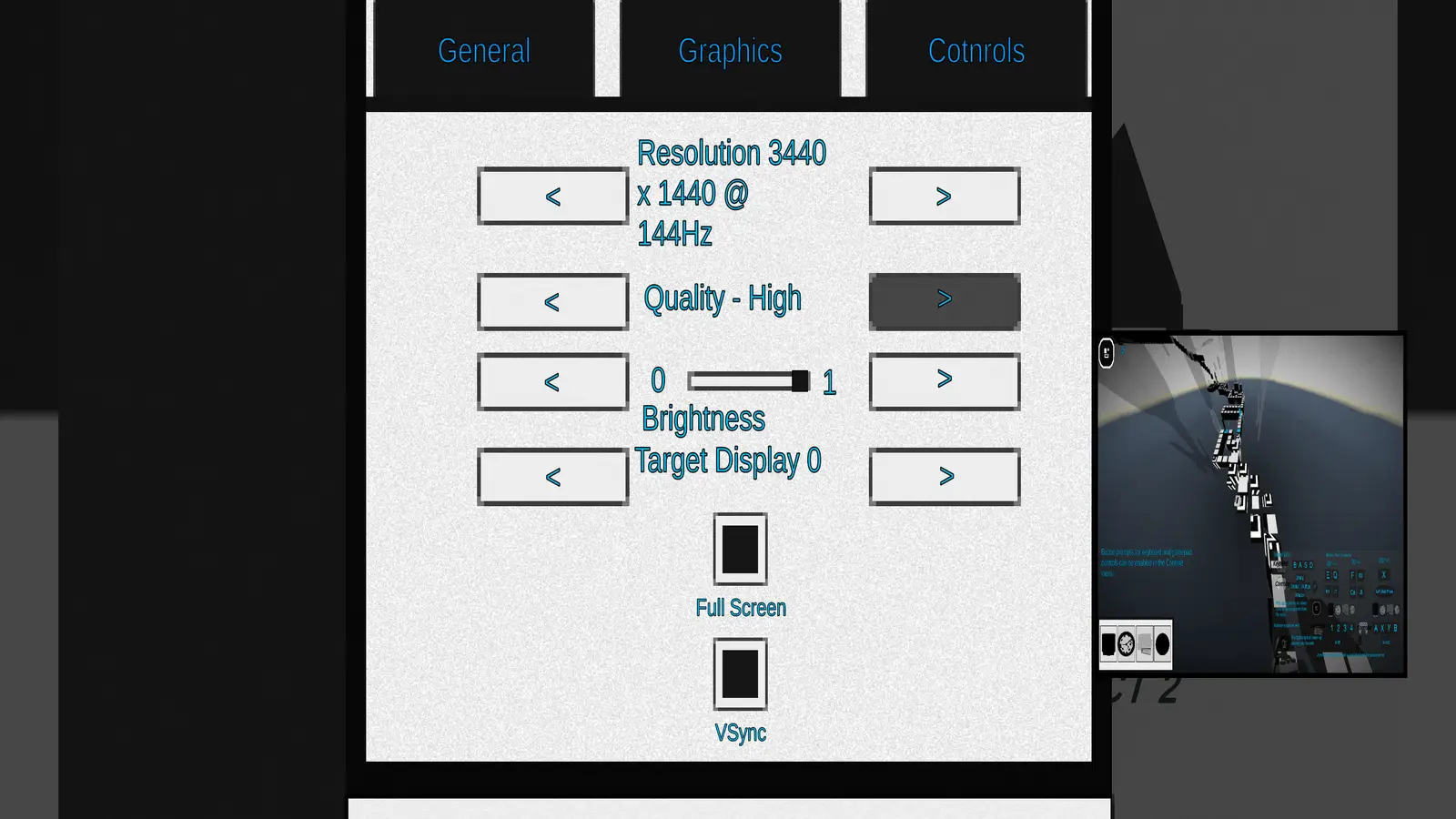
The PC version had an additional resolution problem. Parts of the screen were cut off at my preferred resolution, so I had to play in a smaller window. Resolution options could only be adjusted by repeatedly scrolling left or right, which made finding a usable setting more tedious than necessary.
Menus and tutorial screens were also occasionally difficult to read. Since each platform behaves differently, I had to revisit the tutorial several times after confusing one type for another.
Final Verdict – Is Disconnect 2 Worth Playing?
After completing all 22 puzzles for this Disconnect 2 review, I found a fun platformer buried underneath its technical problems. Rotating the camera to reveal a viable route, timing jumps between moving platforms, and completing a sequence without stopping can feel excellent. However, unreliable inputs and recurring bugs made too many failures feel outside my control.
Those good moments are the main reason I finished all 22 puzzles. Well, those moments and an unhealthy amount of spite.
However, I cannot recommend the game in its current state. Input detection needs to be more reliable, checkpoint bugs need to be addressed, and jump distances need clearer feedback. The power-up interface could also be streamlined so using an ability does not create more danger than ignoring it.
At its normal price of $6.99, the short runtime and lack of polish make it difficult to recommend. Even at its current $4.19 sale price, I would wait for a deeper discount or updates that address the controls and checkpoint issues.
Puzzle-platforming fans may still enjoy learning each route and mastering its camera mechanics. Just be prepared for a game where the line between personal error and technical failure is often frustratingly difficult to see.