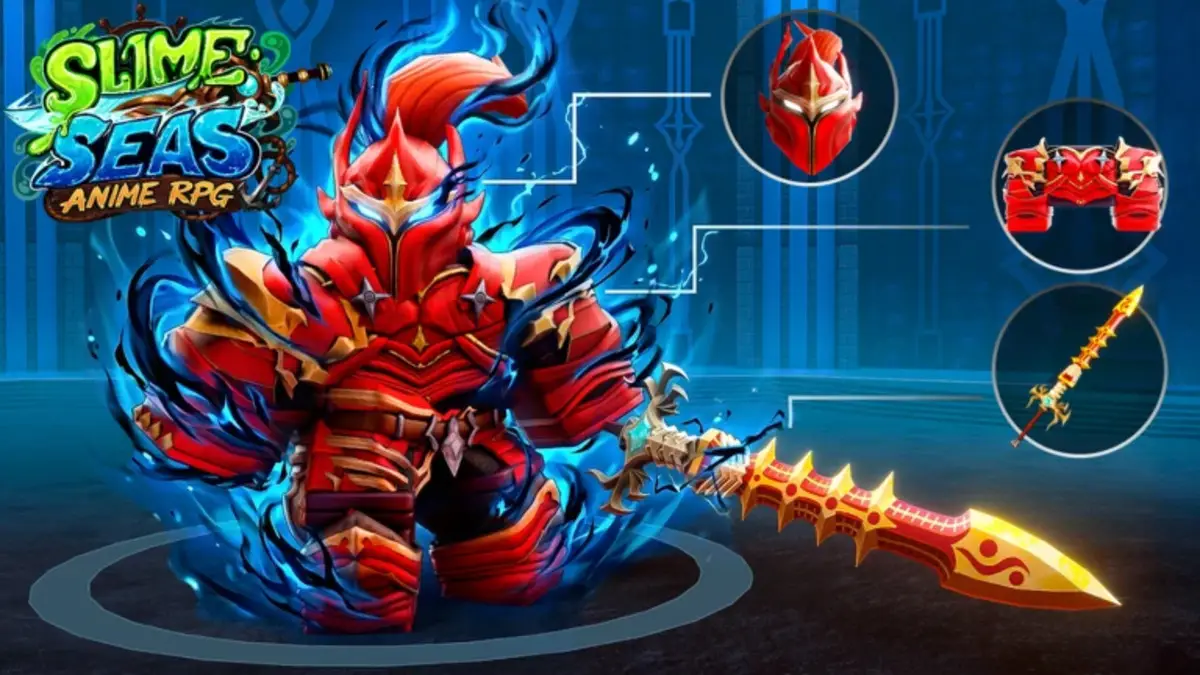
The Slime Seas Trello is one of the easiest ways to check game info without digging through Discord replies, Roblox comments, or outdated posts. If you need the official Trello, Discord, Roblox game page, or Wiki, we have the main Slime Seas links below.
Slime Seas Roblox Trello, Discord, Game Page, and Wiki Links
- Slime Seas Roblox Trello Link: Use the Trello board to check mechanics, progression, Masteries, Stances, weapons, worlds, bosses, NPCs, crafting recipes, armor, and other core game details.
- Slime Seas Discord Link: Join the Discord server for announcements, update notes, codes, giveaways, bug reports, support, and community help.
- Slime Seas Game Page: Use the Roblox page to launch the game, check the latest title, and read the current game description.
- Slime Seas Wiki Link: Use the unofficial Wiki for cleaner lookups on weapons, islands, equipment, races, bosses, controls, and beginner progression.
What is the Slime Seas Trello Used For?
The Slime Seas Trello works like a quick reference board for the game. Instead of guessing how progression works, where a boss is, or which weapon setup you should care about, you can scan the board and jump straight to the section you need.
It is especially useful when you are checking Masteries, comparing Stances, looking up crafting recipes, or trying to understand new content before spending more time grinding in-game.
Why You Should Join the Slime Seas Discord
The Slime Seas Discord is better for live updates. Trello is useful for organized information, but Discord is usually where players find the newest announcements, shutdown notices, patch notes, codes, giveaways, and support details first.
It is also the better place to ask questions, report issues, or check whether something changed after a patch. Roblox RPGs do love making yesterday’s safe build feel like it was assembled with duct tape and regret.
Is There a Slime Seas Wiki?
Yes, there is an unofficial Slime Seas Wiki through BloxInformer, and it is useful if you want a cleaner guide-style layout. The Wiki has sections for weapons, islands, equipment, races, controls, beginner tips, and general gameplay.
The Trello is still the better all-in-one hub, but the Wiki is easier when you want one specific answer without clicking through a full board.
Final Thoughts on the Slime Seas Trello
That covers the main Slime Seas Trello link, along with the Discord, Roblox game page, and Wiki. For more guides like this, visit our Trello hub, including entries like our Paradox Trello, Discord, Game Page, and Wiki Links or Solo Hunters Trello guides.