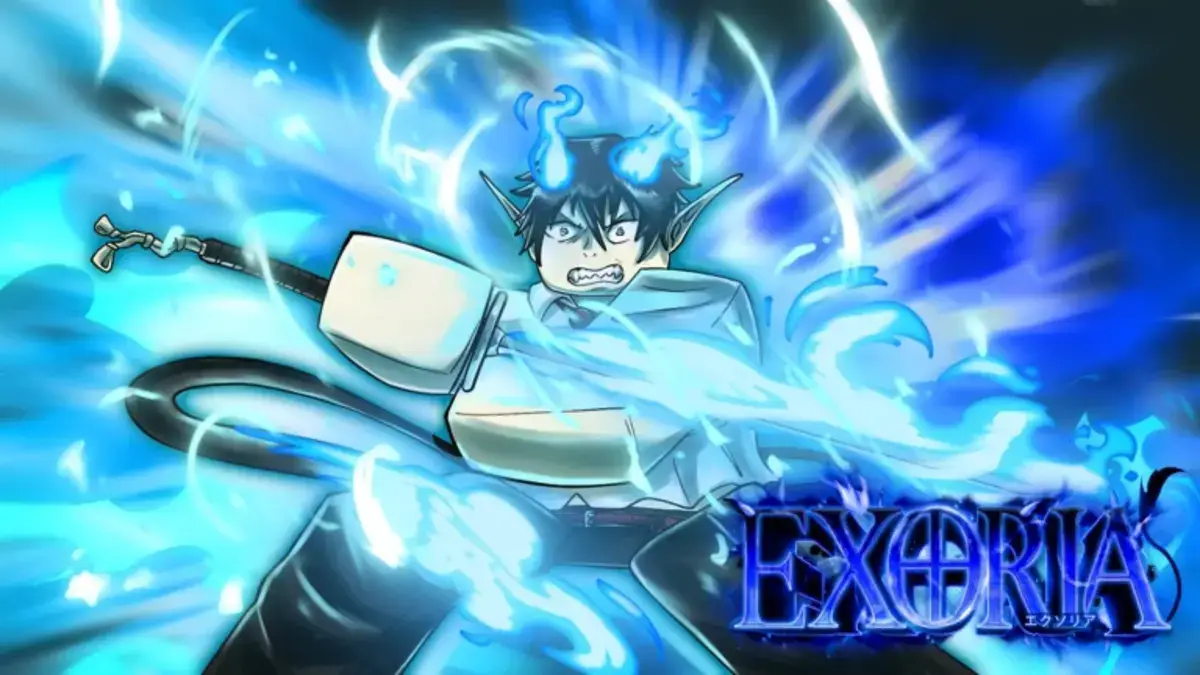
The Exoria Trello is one of the easiest ways to check game info without digging through Discord replies, Roblox comments, or outdated posts. If you need the official Trello, Discord, Roblox game page, or Wiki, we have the main Exoria links below.
Exoria Roblox Trello, Discord, Game Page, and Wiki Links
- Exoria Roblox Trello Link: Use the Trello board to check classes, races, weapons, gear, NPCs, areas, dungeons, events, bosses, skill trees, cards, controls, and other core game details.
- Exoria Discord Link: Join the Discord server for announcements, update notes, codes, giveaways, events, bug reports, support, and community help.
- Exoria Game Page: Use the Roblox page to launch the game, check the latest title, and read the current game description.
- Exoria Wiki Link: Use the Wiki for cleaner lookups on codes, classes, races, bosses, dungeons, quests, weapons, and progression systems.
What is the Exoria Trello Used For?
The Exoria Trello works like a quick reference board for the game. Instead of guessing how a class works, what a race does, or where certain bosses and dungeons fit into progression, you can scan the board and jump straight to the section you need.
It is especially useful when you are comparing weapons, checking gear, reading class details, or trying to understand new content before spending time grinding in-game.
Why You Should Join the Exoria Discord
The Exoria Discord is better for live updates. Trello is useful for organized information, but Discord is usually where players find the newest announcements, shutdown notices, update details, codes, giveaways, and event news first.
It is also the better place to ask questions if something breaks, changes, or gets adjusted after a patch. Roblox updates do love turning “I finally get it” into “never mind, what happened now?”
Is There an Exoria Wiki?
Yes, there is an Exoria Wiki, and it is useful if you want a cleaner guide-style layout. The Wiki is a good place to check pages for codes, classes, races, bosses, dungeons, quests, weapons, and progression without clicking through a full Trello board.
The Trello is still the better all-in-one hub, but the Wiki is easier when you want one specific answer fast.
Final Thoughts on the Exoria Trello
That covers the main Exoria Trello link, along with the Discord, Roblox game page, and Wiki. For more guides like this, visit our Trello hub, including entries like Bridger Western Trello, Discord, Game Page, and Wiki Links.